Steps
Install Github Pull Requests VS Code extension
In the left-hand sidebar, click on the Github Pull Requests icon
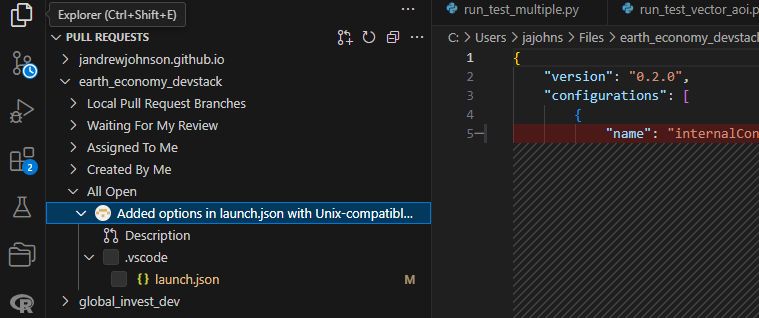
Right-click and select “Checkout Pull Request”
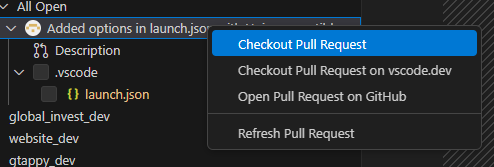
Now your local files will be those of the PR.
Run all relevant tests in the test suite.

